Viewing and Editing Experiments
Clicking a row in the experiments table opens the detail view on the right side of the screen. From here you can review the experiment's metadata and make any necessary edits before adding it to the queue.
Detail view
The detail view shows all read-only properties of the selected experiment.
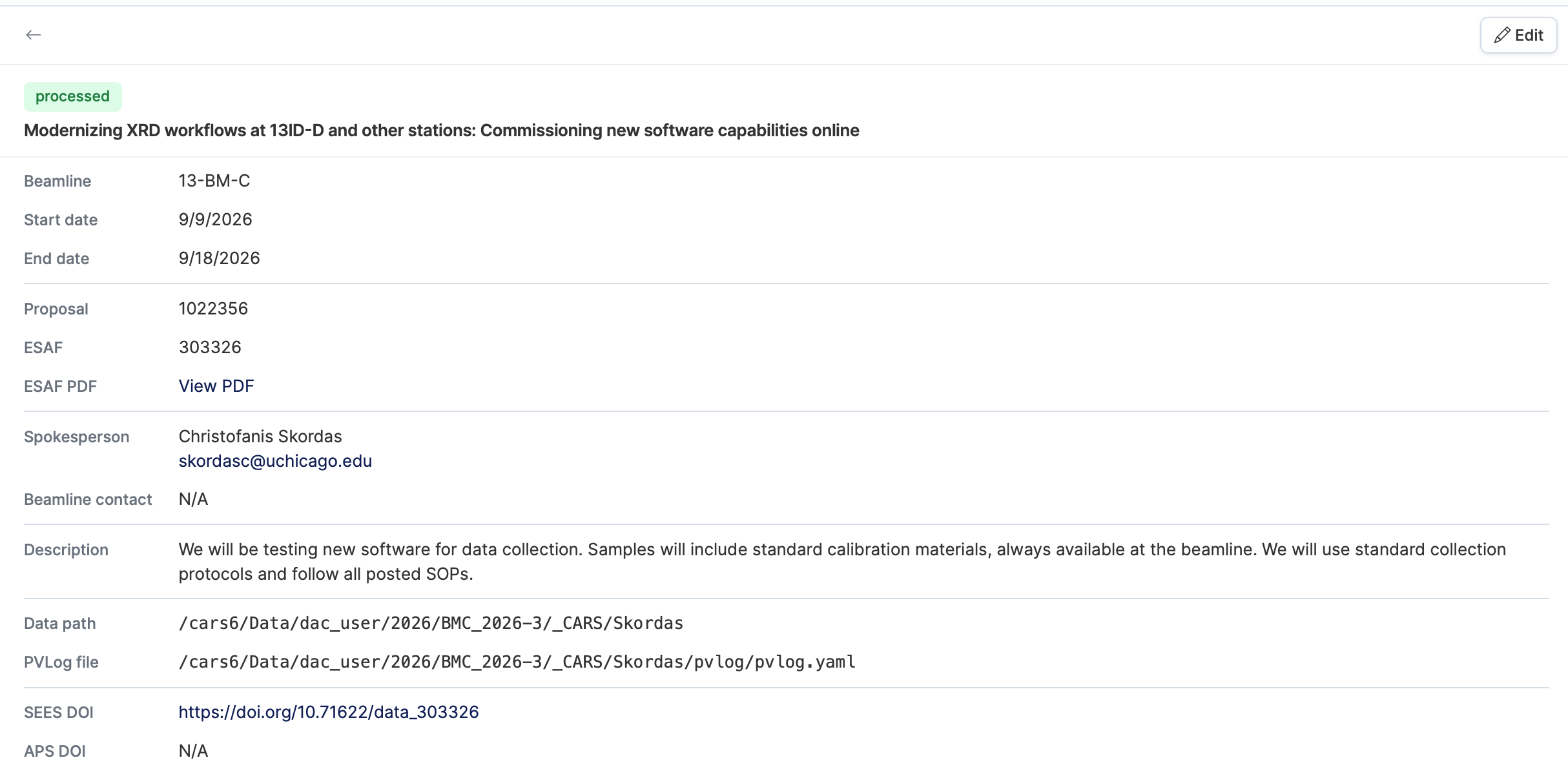
| Field | Description |
|---|---|
| Beamline | The APS beamline assigned to this experiment. |
| Start / End dates | Scheduled beamtime window. |
| Proposal | Proposal number and link to the proposal PDF. |
| ESAF | Experimental Safety Assessment Form number and link to the PDF. |
| Spokesperson | Lead researcher responsible for the experiment. |
| Beamline contact | Staff contact at the beamline. |
| Description | Free-text description of the experiment. |
| Data path | Filesystem path where experiment data will be stored. |
| PVLog file | Path to the PVLogger YAML configuration file, if set. |
| SEES DOI | Assigned SEES DOI, if created. |
| APS DOI | Assigned APS DOI, if created. |
Editing an experiment
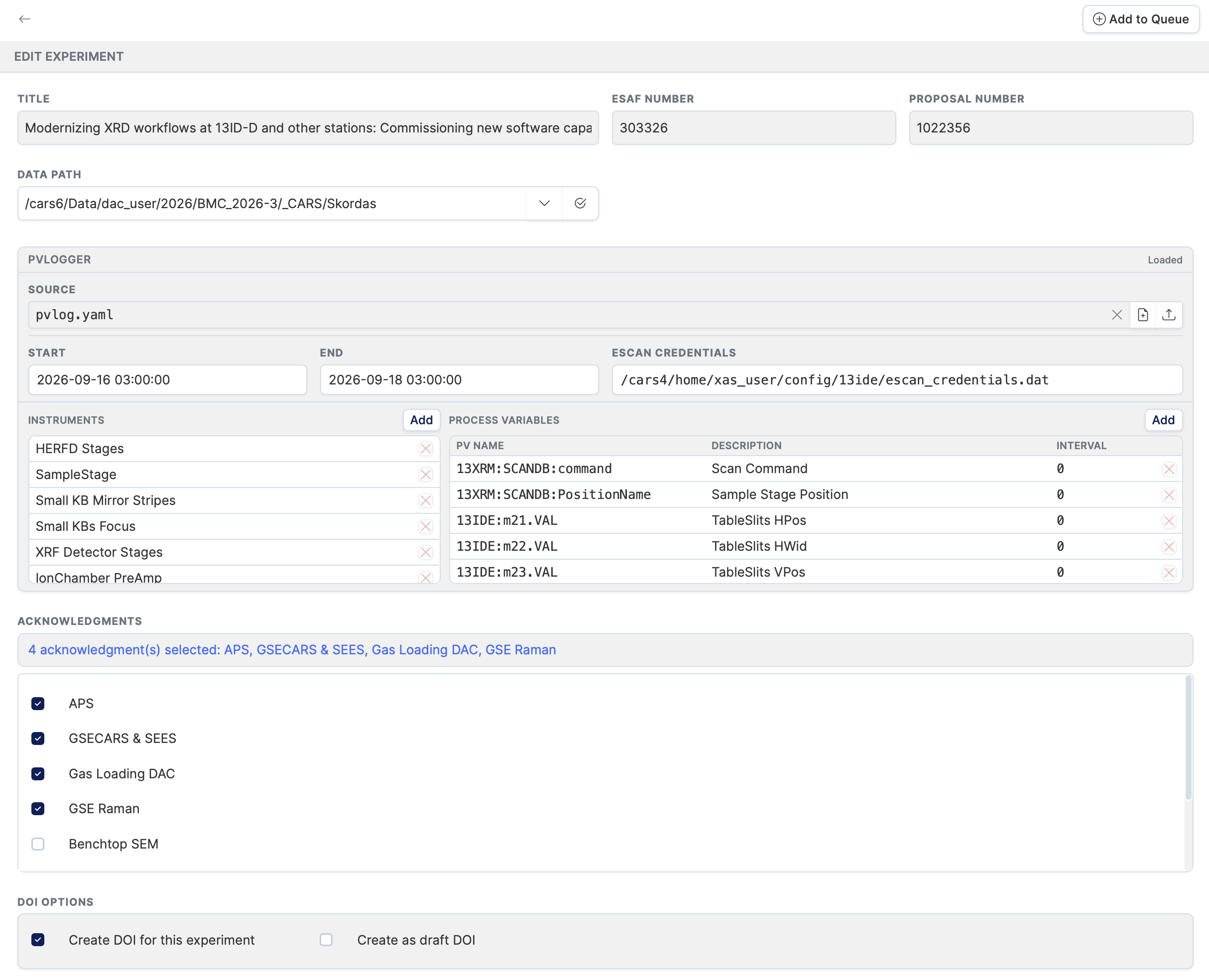
Click the Edit button at the top of the detail view to open the edit form. Changes are not saved until you click Add to Queue.
Data path
The data path is the location on the filesystem where the experiment's data will be stored.

- Type the path manually, or click the path template dropdown to insert a pre-configured base directory for your technique.
- Click Validate to check that the path is correctly formatted and exists on the filesystem. A green message confirms the path is valid; a red message explains what is wrong.
PVLogger configuration
The PVLogger section lets you attach a YAML configuration file that controls what process variables (PVs) are logged during the experiment. See the PVLogger page for full details.
Acknowledgments
The acknowledgments section lists all available acknowledgment templates from the database.
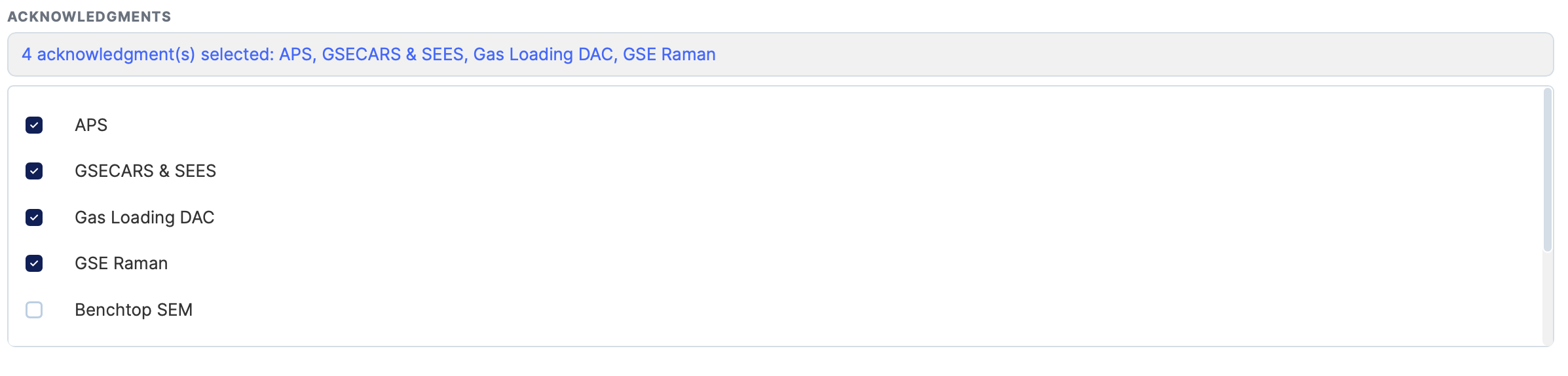
- Check the box next to each acknowledgment that applies to this experiment.
- The number of selected acknowledgments is shown at the top of the section.
- Selected acknowledgments will be associated with the experiment when it is queued.
DOI options
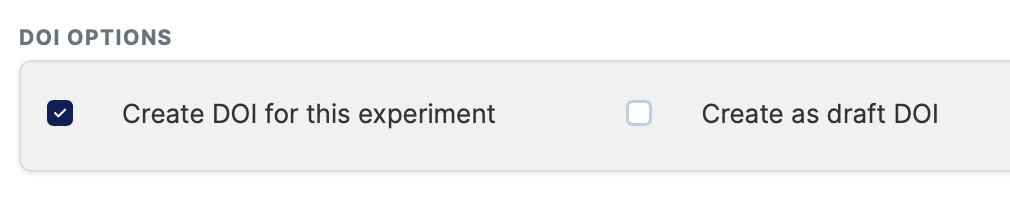
| Option | Description |
|---|---|
| Create DOI for this experiment | When checked, a DOI will be minted for this experiment during processing. Checked by default. |
| Create as draft DOI | When checked, the DOI is created as a draft (not publicly registered). Only available when "Create DOI" is checked. |